Do it online (New)
No personalised information or personal details are held on this website. However, you may be able to access personal information about your benefits online using the links here.
You have DC benefits
If you have DC benefits (that build up from contributions and investment returns) you have secure access to your personal details and details about your pension through Fidelity's PlanViewer website.
- You can look at and update your personal details and your beneficiary nomination.
- Log on to PlanViewer at www.planviewer.fidelity.co.uk/newlogin; or download the Fidelity PlanViewer app on your mobile device.
Tip:
If you’re logging into PlanViewer for the first time, you’ll need your Fidelity reference number which you can find on your annual benefit statement or any letter you’ve received from Fidelity.
You will have received access details from Fidelity, normally when you first joined Credit Suisse. Contact Fidelity if you don’t have these. Visit the Help and contacts page for their contact details.
You have DB benefits (New)
If you have DB benefits (based on salary and the length of time you were building up benefits) that are not yet in payment, you can go online to;
- View and update basic personal details
- Fill in or change your nomination form
- View details of your pension at the date you stopped building up benefits.
Get access to your DB member website at https://engage-members.broadstone.co.uk.
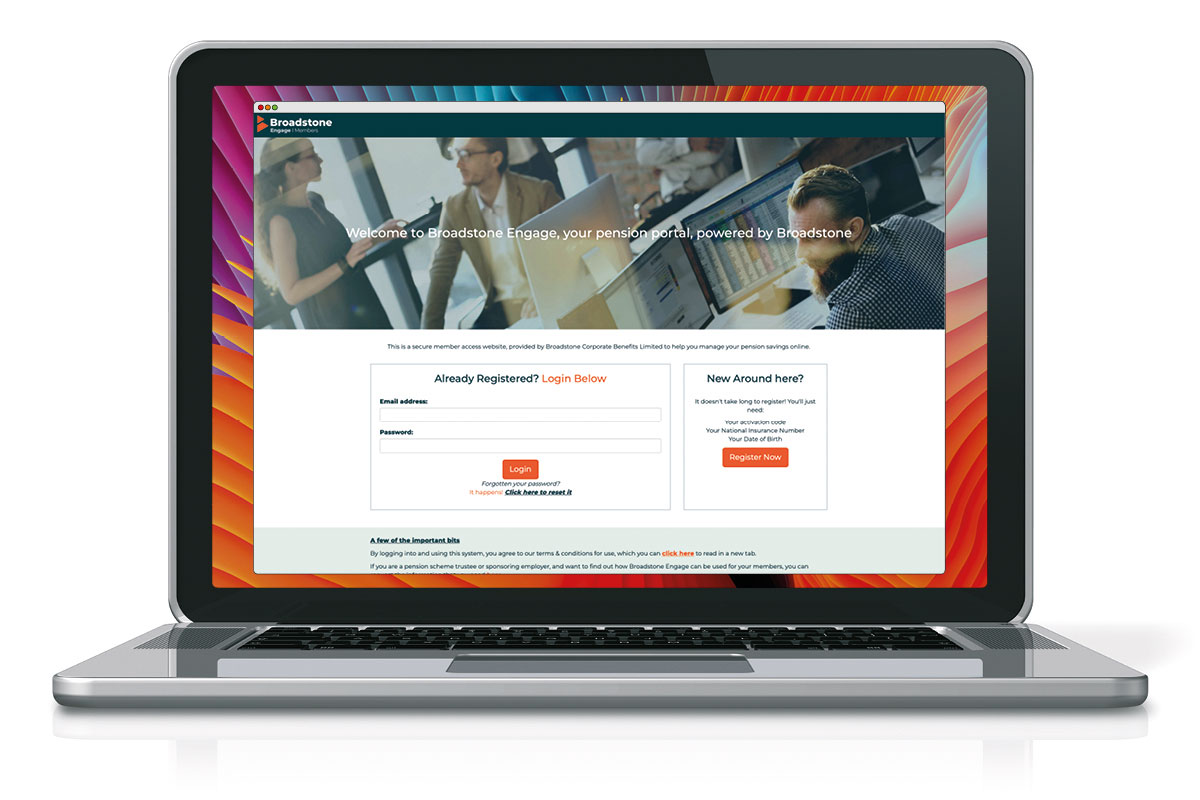
This is a new member portal and you will need to re-register to use it the first time you access it. You can do this by clicking the 'Register Now' button on the right-hand side of the login page.
Please note the previous portal URL and your previous login details will no longer work.
If you’ve never registered online before, you should have received instructions on how to register for the site from Fidelity around the time you stopped building up benefits.
Don’t worry if you don’t still have your log in details. You can reset these on the portal login page https://engage-members.broadstone.co.uk where you will be guided through a step by step reset process.
If you have any queries regarding the member portal, or your benefits in general, please contact Fidelity. Visit the 'Getting in touch' page within the 'Help' section of this website for Fidelity’s contact details.
Model your DC benefit retirement options
If you have DC benefits (that build up from contributions and investment returns), Fidelity PlanViewer has modelling tools that can show what you might get when you retire, based on:
- your current retirement savings
- your current rate of contributions, and
- the age you plan to retire (your Selected Retirement Date).
The tools can help you see how changes you make now to your contributions, your retirement age or investment options could affect what you might get when you retire. It’s designed to help you decide whether to change your contribution rate, change your investment choices or choose an earlier, or later, retirement age.
Of course, you won’t actually receive the amounts shown by the tools; the modeller has to use assumptions about things like future investment returns, inflation and the future cost of buying pensions and these are all likely to be different in real life. But it may help to give you an idea of how your retirement savings are progressing.
The tools can be found on the Fidelity PlanViewer home page when you log on at www.planviewer.fidelity.co.uk, and on the “Planning & Guidance” and “Tools & Calculators” tabs. (You can also access them via www.retirement.fidelity.co.uk without the need to log on to your PlanViewer account.)